Gearstac · Gearstac Financing
Track financing follow-up in CRM
Manual financing records and illustrative schedules help your team track customer conversations. Customer applications and lender checkout are not available.
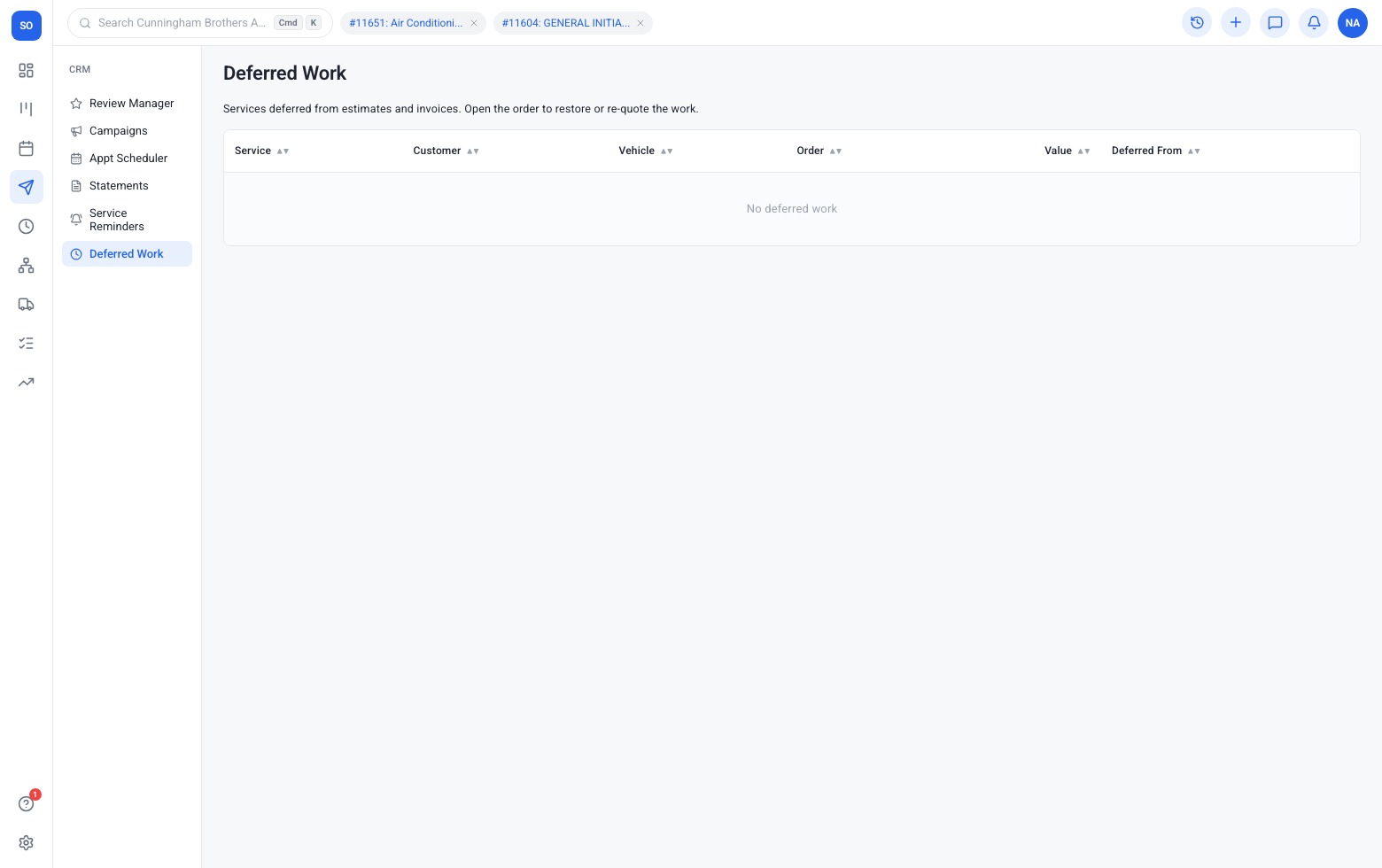
Keep follow-up with the customer
Shop staff can maintain financing records in CRM and track their follow-up with the customer.
Review illustrative schedules
The schedule view shows the terms entered by the shop. It does not represent a lender offer, approval, or completed payment.
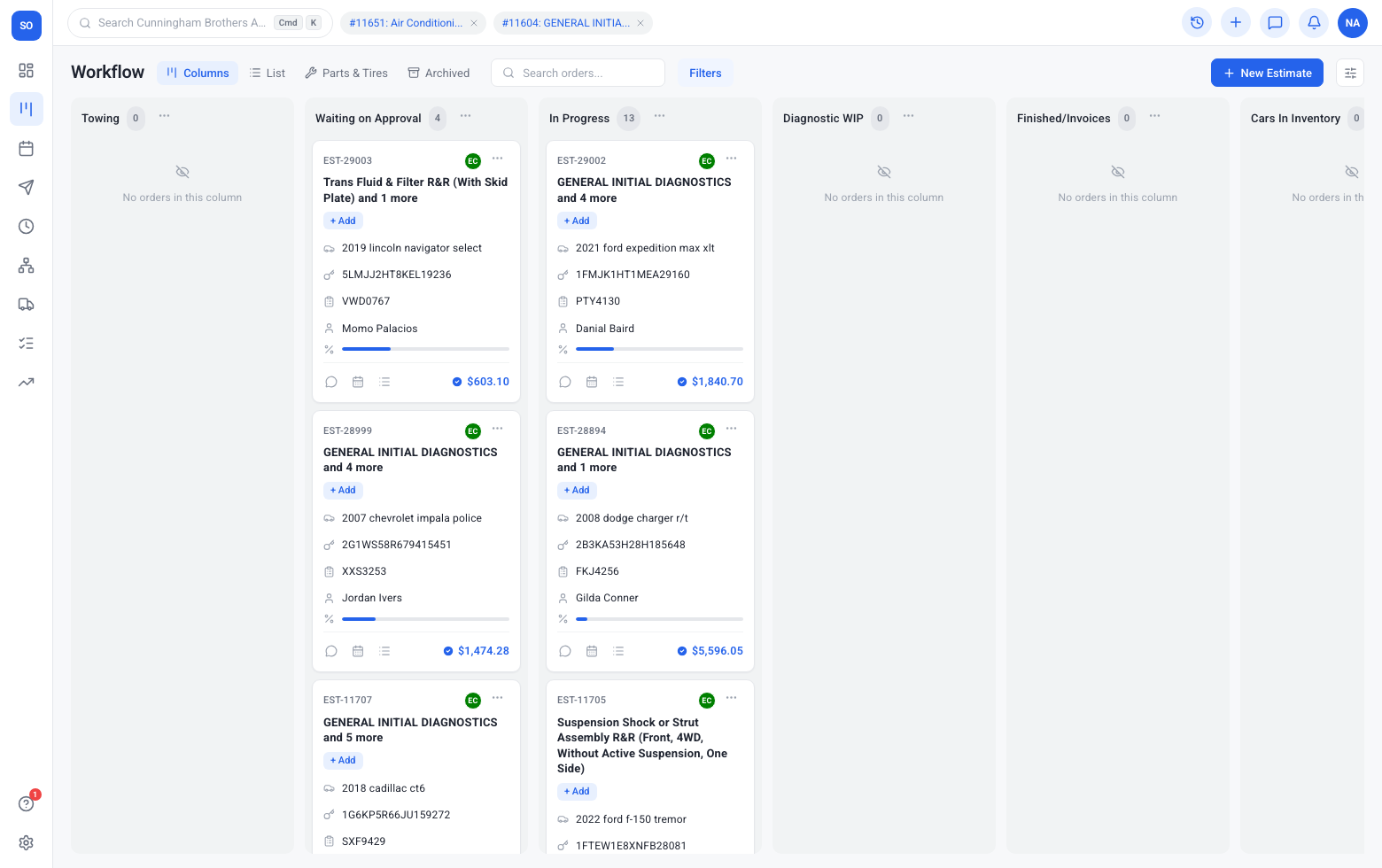
Online applications are unavailable
Customers cannot apply for financing from the shared estimate or invoice. Gearstac does not currently submit applications to a lender.
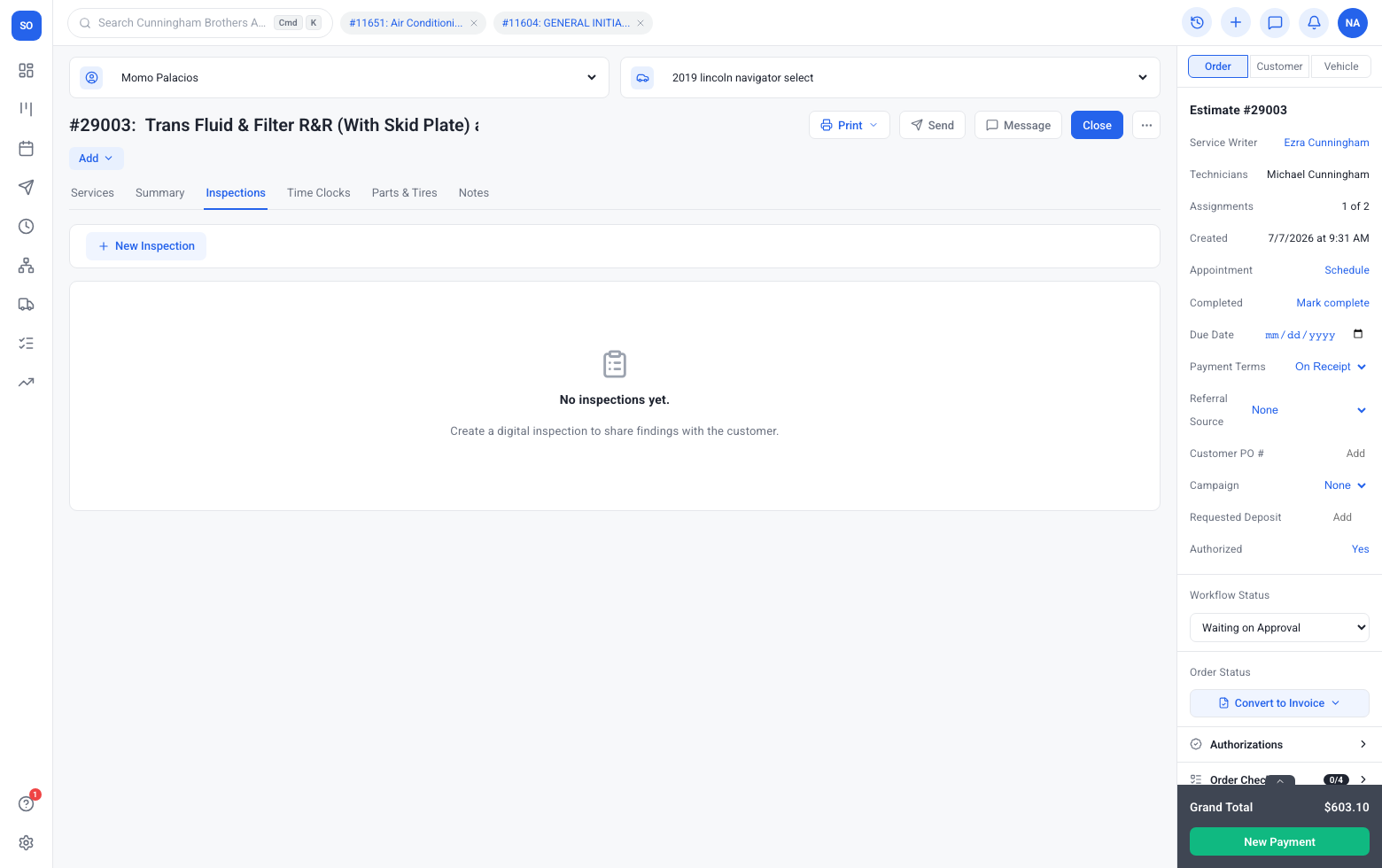
Supported online card payments
Customers can pay through Stripe-hosted checkout when the shop has configured and enabled a supported Stripe connection.
Frequently asked questions
Can customers apply from their invoice link?
No. Online financing applications are not available.
Does changing a CRM record approve a loan?
No. CRM status changes update the shop’s internal record and do not create a lender approval.
Where does the team track follow-up?
In the Financing view within CRM.
Want to explore more?
Workflow
A live board that matches how your shop actually works — from drop-off to paid invoice — so writers, techs, and the counter share one honest picture of the day.
Learn moreEstimates
Build fast with canned services, send by text or email, and collect line-by-line authorizations that turn into real work — not phone-tag maybes.
Learn moreInvoices
Professional invoices, deposits, store credit, overpayments, and fleet settlement — all tied to the same job that started as an estimate.
Learn moreSee gearstac financing in your shop
Book a demo or check packaging — no maze of plugins required.