Gearstac · Data migration
Bring your history with you
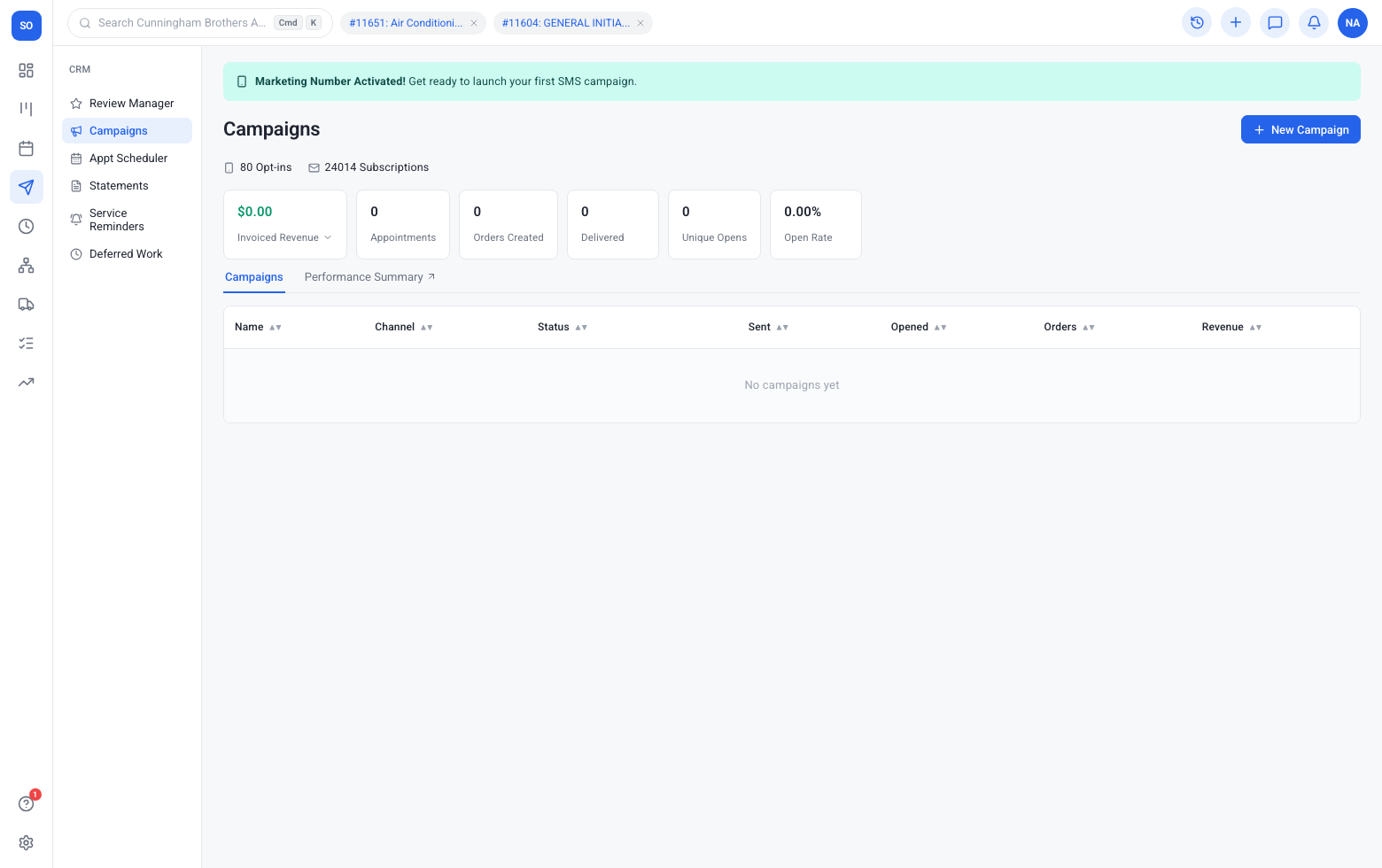
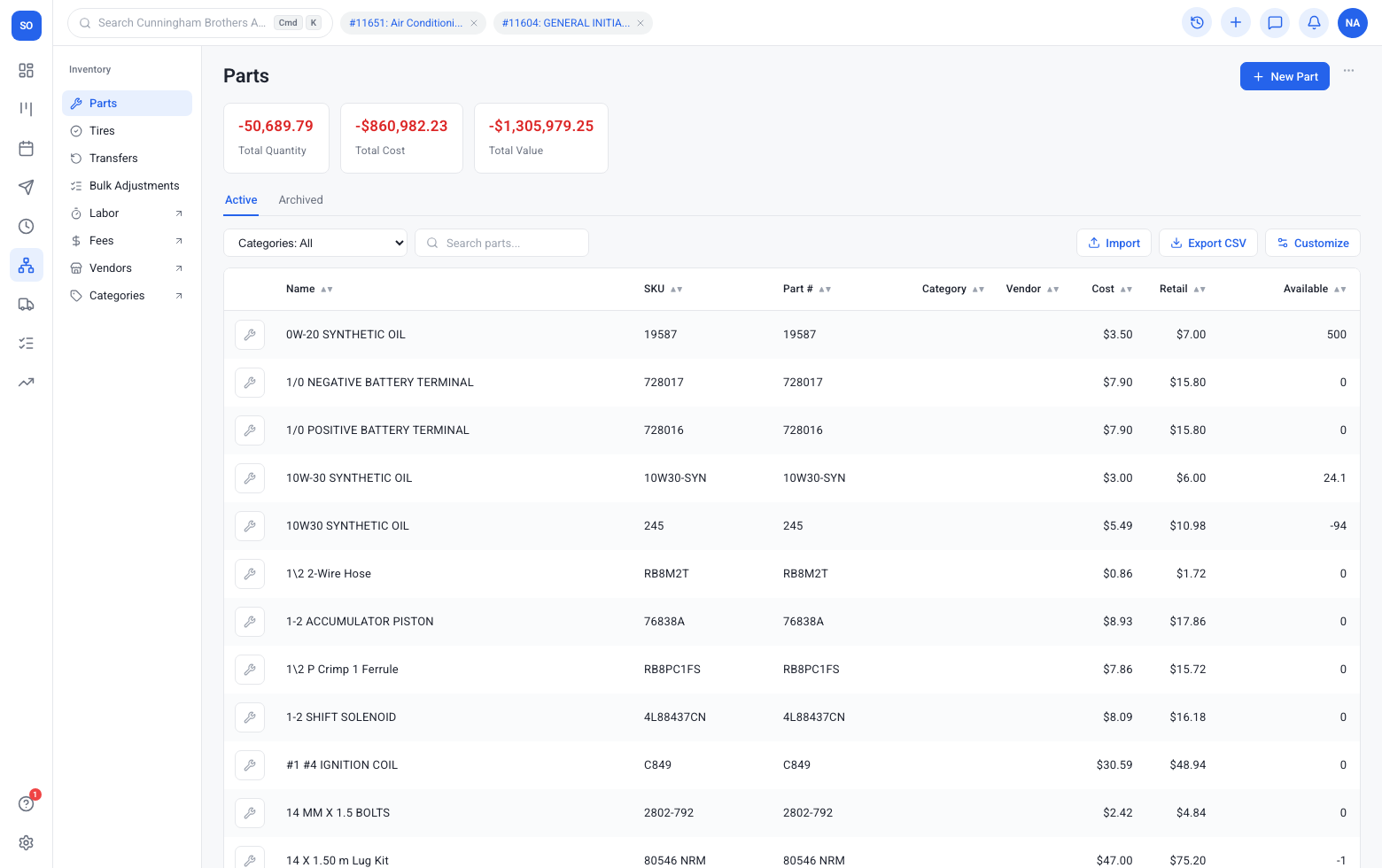
Import from your previous shop system via Gearstac HQ — customers, vehicles, canned services, and order history so day one is not day zero.
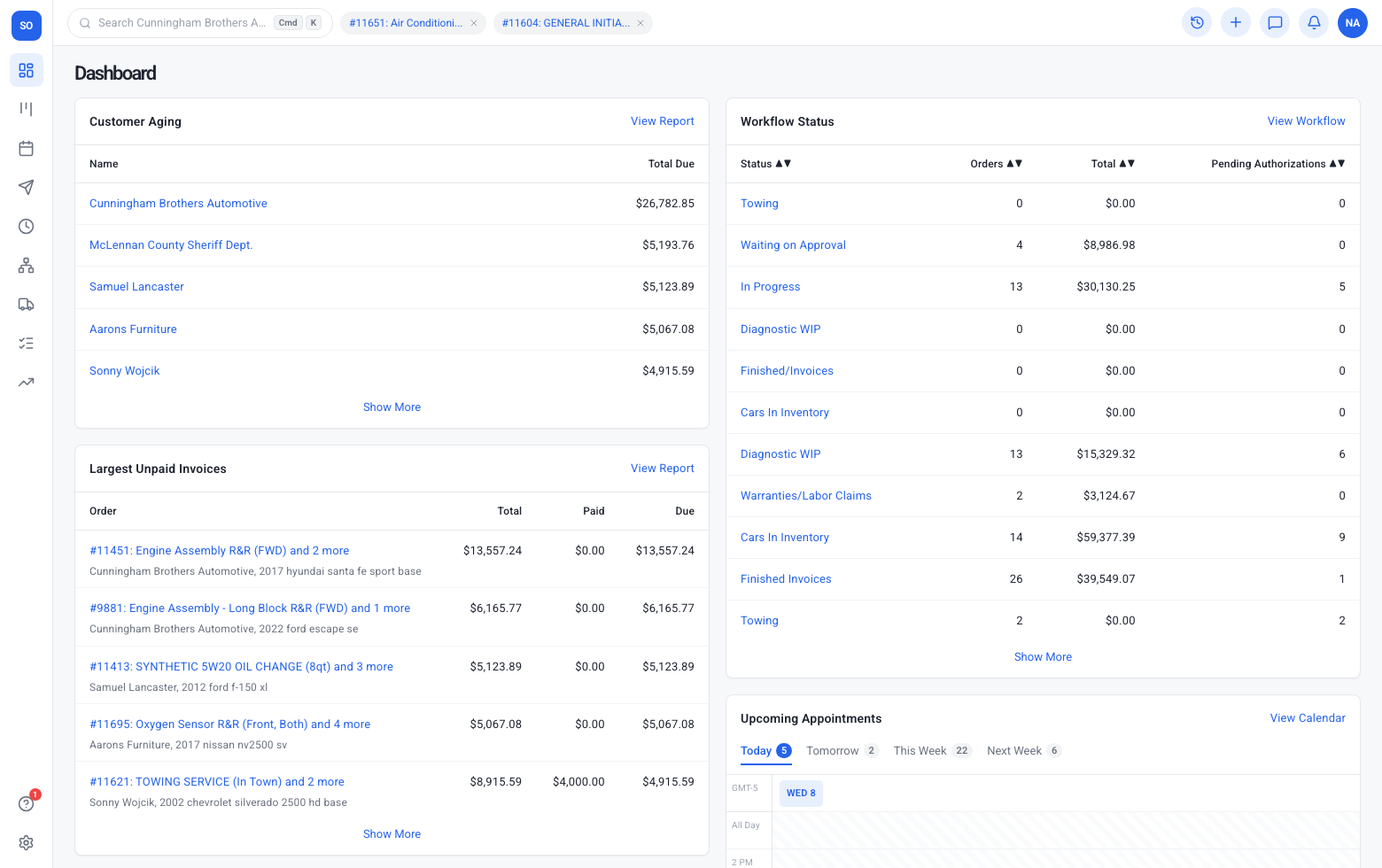
How migration works
Link your legacy source, extract the lists and history you need, transform into Gearstac structures, then cut over with HQ visibility. Writers stay on the same order from first write-up through paid invoice, so nothing important lives in a side chat or sticky note. Writers stay on the same order from first write-up through paid invoice, so nothing important lives in a side chat or sticky note.
- Stays on the same order your writers already open
- Techs and the counter see updates without another login
- Data migration data feeds reports and follow-up automatically
Extraction
Pull customers, vehicles, services, and orders from the prior system instead of retyping the phone book. Techs see assignments, notes, and inspection items without walking back to a desktop for every answer.
- Stays on the same order your writers already open
- Techs and the counter see updates without another login
- Data migration data feeds reports and follow-up automatically
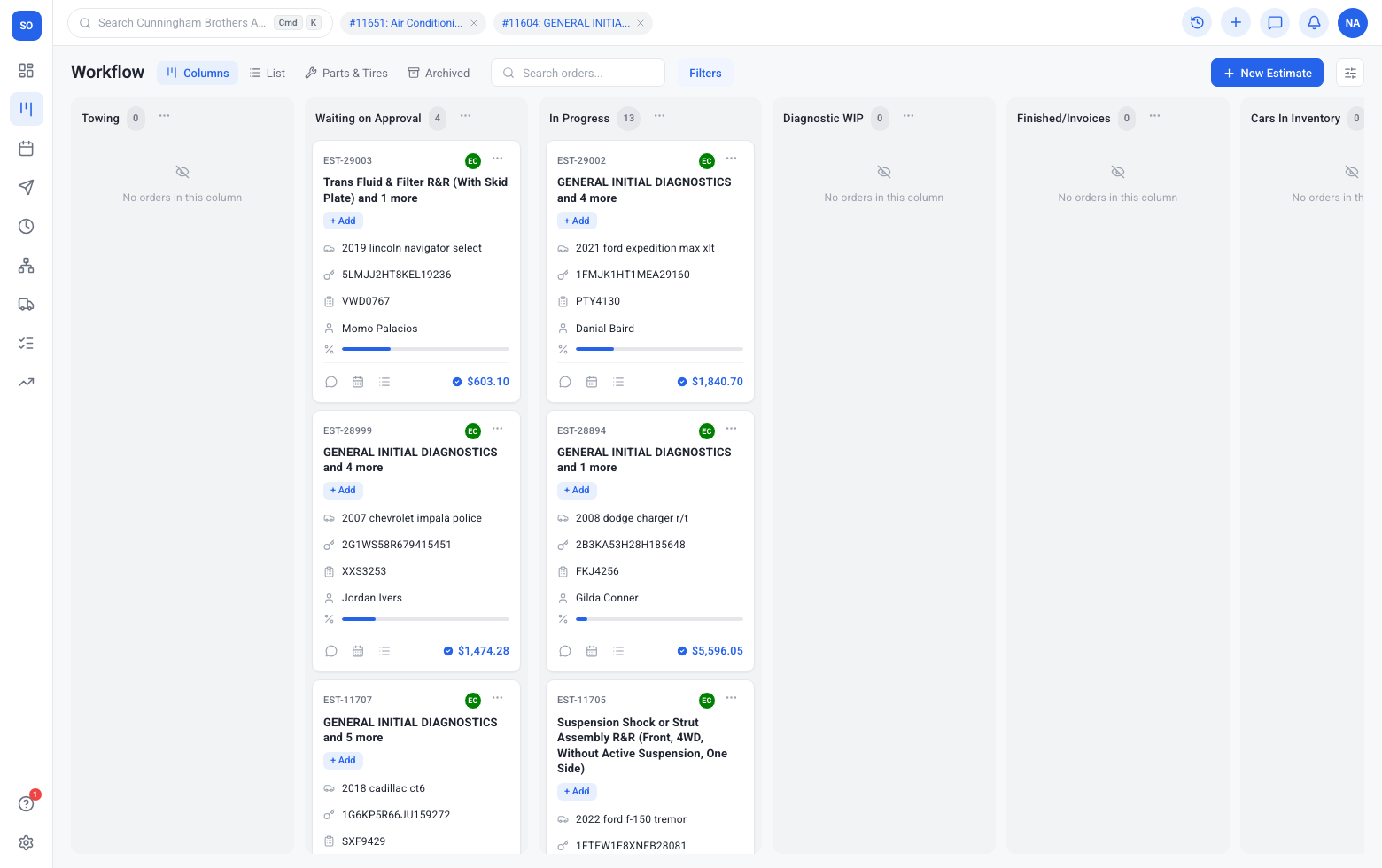
Transformation
Map fields into Gearstac lists, canned services, and order shapes your writers already understand. Owners get an honest picture of open work, approvals waiting, and cash collected — without waiting for Friday’s spreadsheet export.
- Stays on the same order your writers already open
- Techs and the counter see updates without another login
- Data migration data feeds reports and follow-up automatically
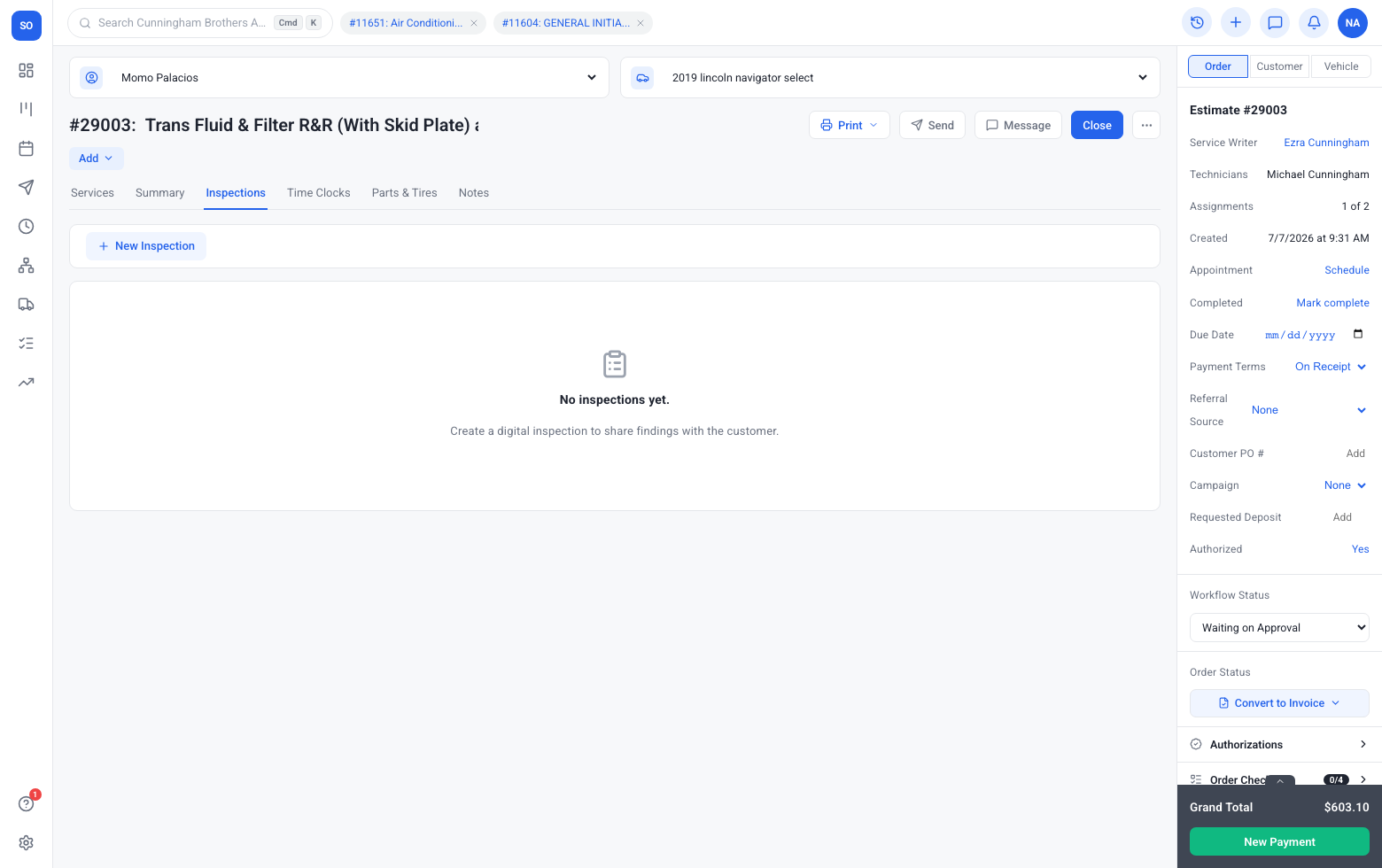
Migration and cutover
HQ tools keep the import visible while you go live — so issues are not a mystery. Customers experience clear estimates, photo-backed recommendations, and pay links that do not require another app install.
- Stays on the same order your writers already open
- Techs and the counter see updates without another login
- Data migration data feeds reports and follow-up automatically
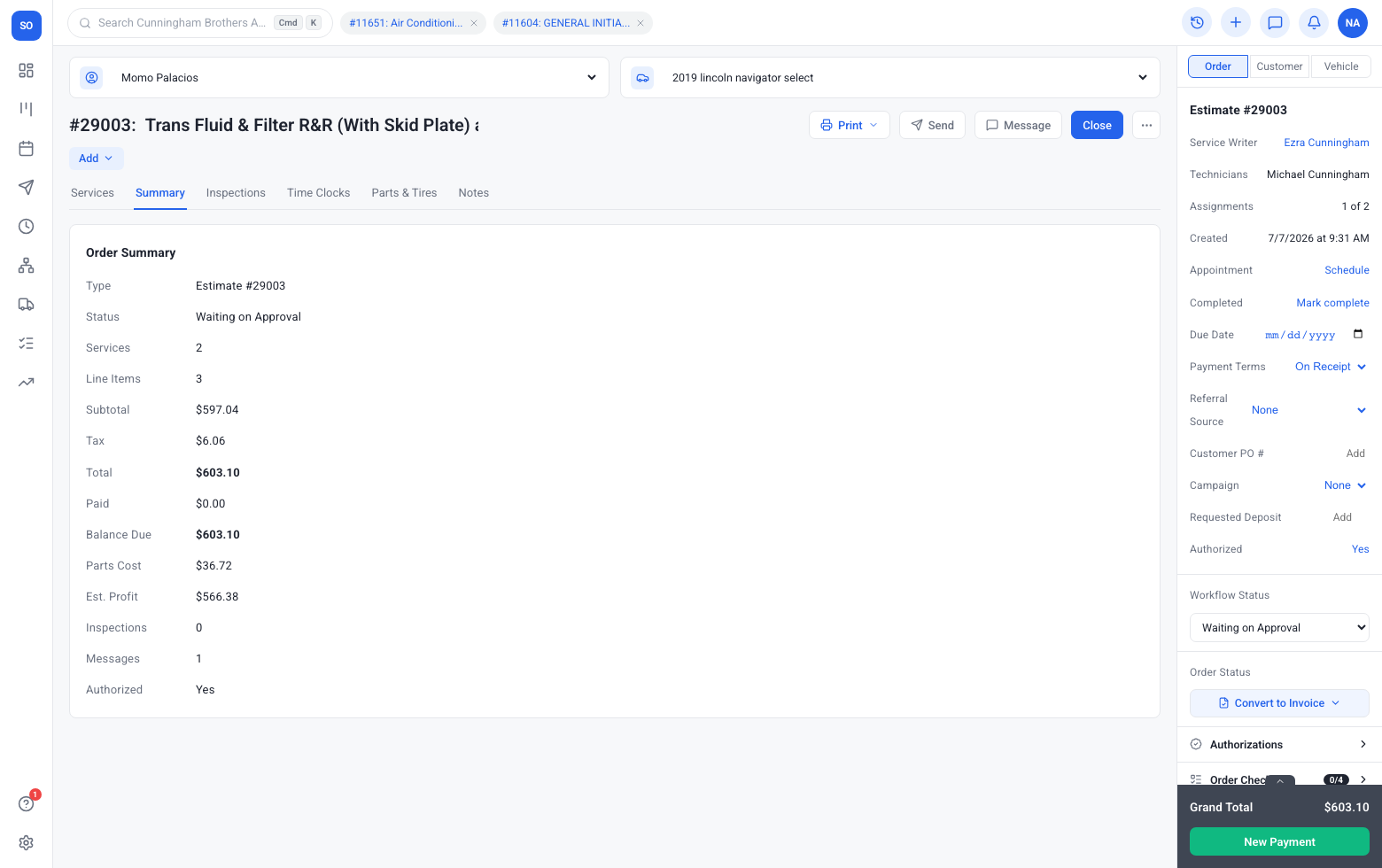
Lists ready on day one
Customers, vehicles, and canned services land where the counter expects them. When something stalls — parts, authorization, or a no-show — the board and CRM surfaces make the next action obvious.
- Stays on the same order your writers already open
- Techs and the counter see updates without another login
- Data migration data feeds reports and follow-up automatically
Guided support
You are not alone with a CSV and hope. Migration is an HQ-operated path. Gearstac is built for repair shop reality: canned services, DVIs, inventory, fleet pay, and retention loops in one login.
- Stays on the same order your writers already open
- Techs and the counter see updates without another login
- Data migration data feeds reports and follow-up automatically
Frequently asked questions
Can we bring order history?
Yes — orders and history your writers need can be included in the migration plan.
Who runs the migration?
Gearstac HQ tooling guides and tracks the import while your team prepares cutover.
Want to explore more?
Workflow
A live board that matches how your shop actually works — from drop-off to paid invoice — so writers, techs, and the counter share one honest picture of the day.
Learn moreEstimates
Build fast with canned services, send by text or email, and collect line-by-line authorizations that turn into real work — not phone-tag maybes.
Learn moreInvoices
Professional invoices, deposits, store credit, overpayments, and fleet settlement — all tied to the same job that started as an estimate.
Learn moreSee data migration in your shop
Book a demo or check packaging — no maze of plugins required.