Gearstac · QuickBooks Desktop
IIF export for desktop shops
Export accounting data without abandoning Desktop.
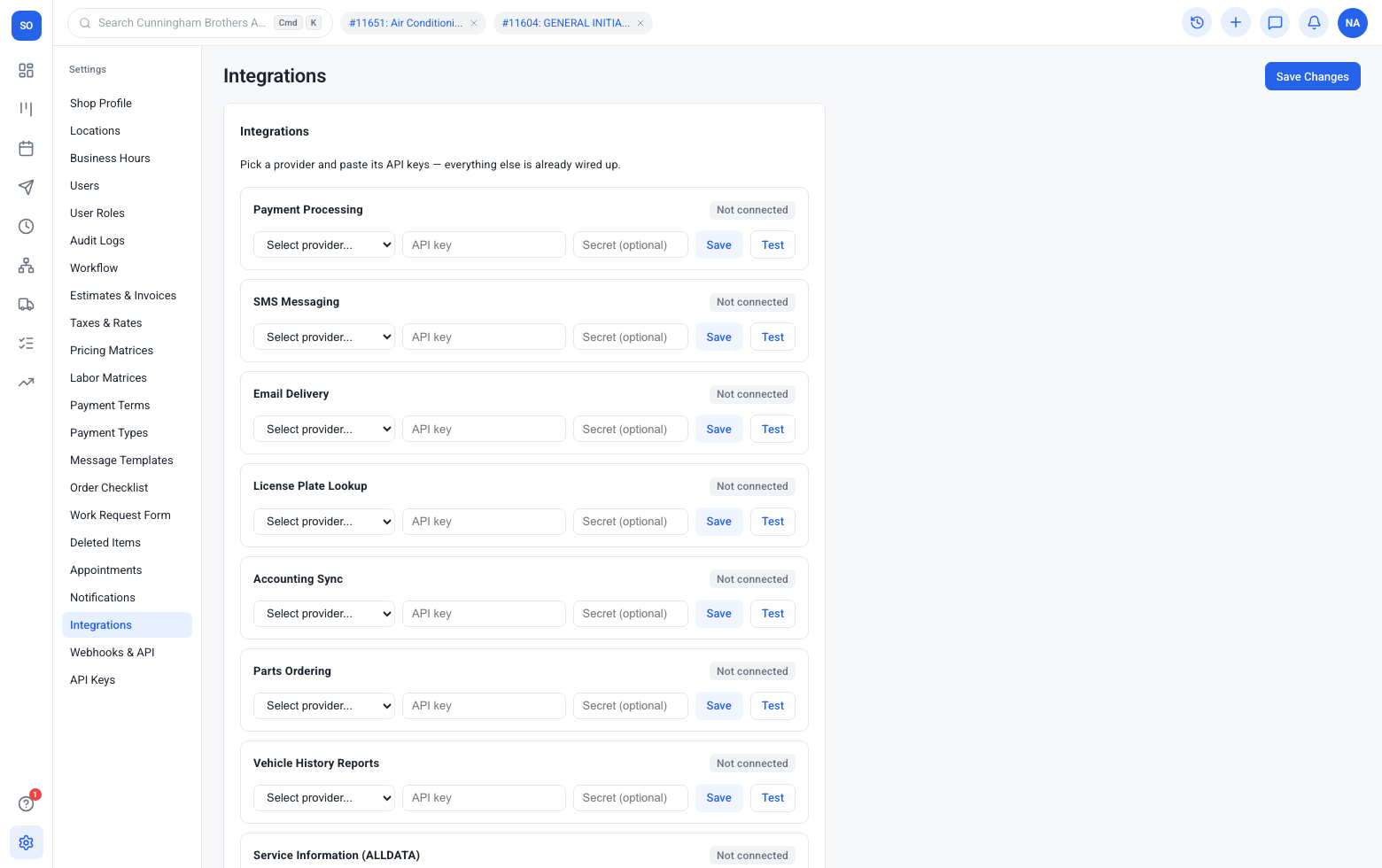
Export endpoint
Download IIF from the accounting integration.
- Stays on the same order your writers already open
- Techs and the counter see updates without another login
- QuickBooks Desktop data feeds reports and follow-up automatically
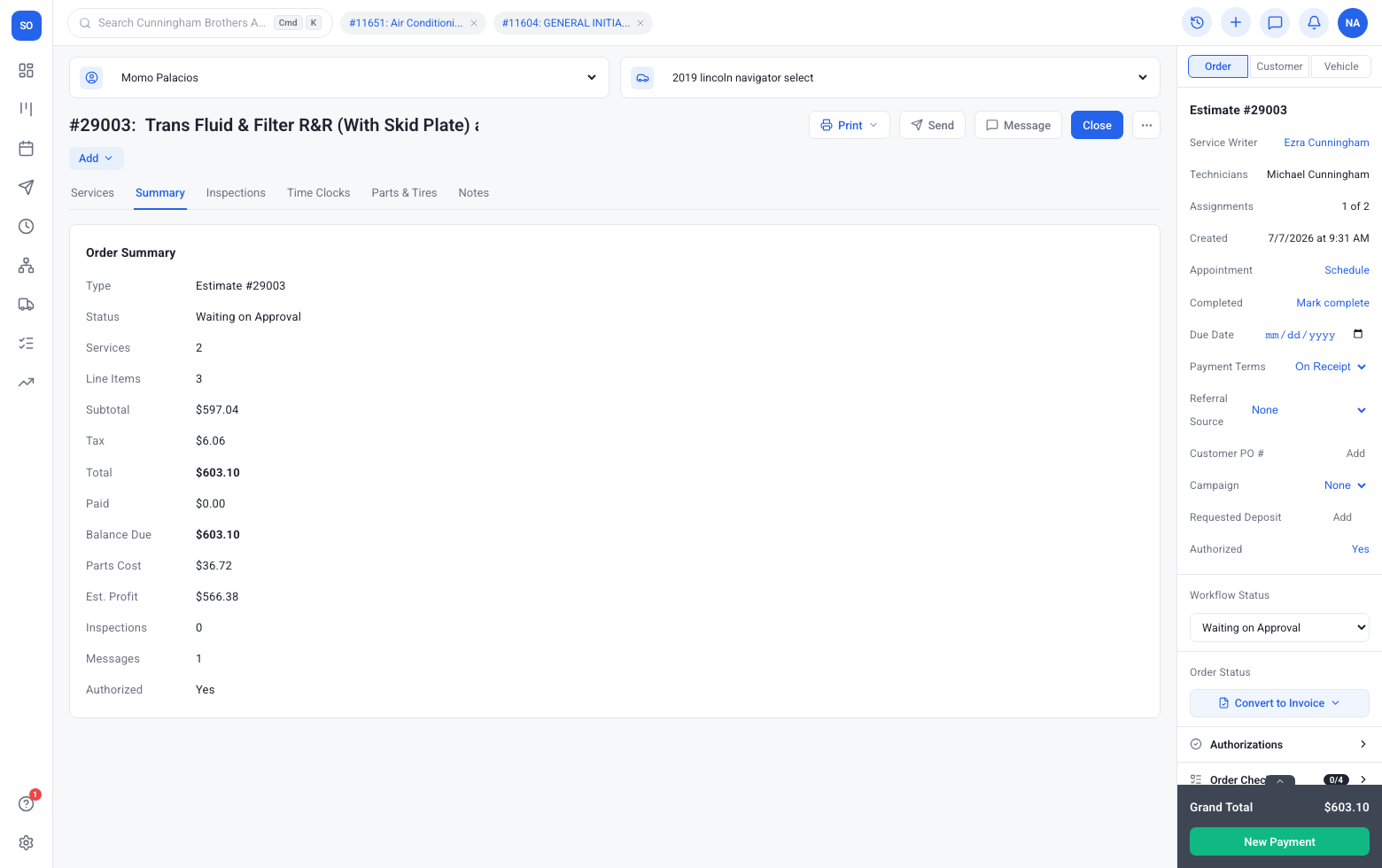
Desktop-friendly
Stay on Desktop while Gearstac runs the bay.
- Stays on the same order your writers already open
- Techs and the counter see updates without another login
- QuickBooks Desktop data feeds reports and follow-up automatically
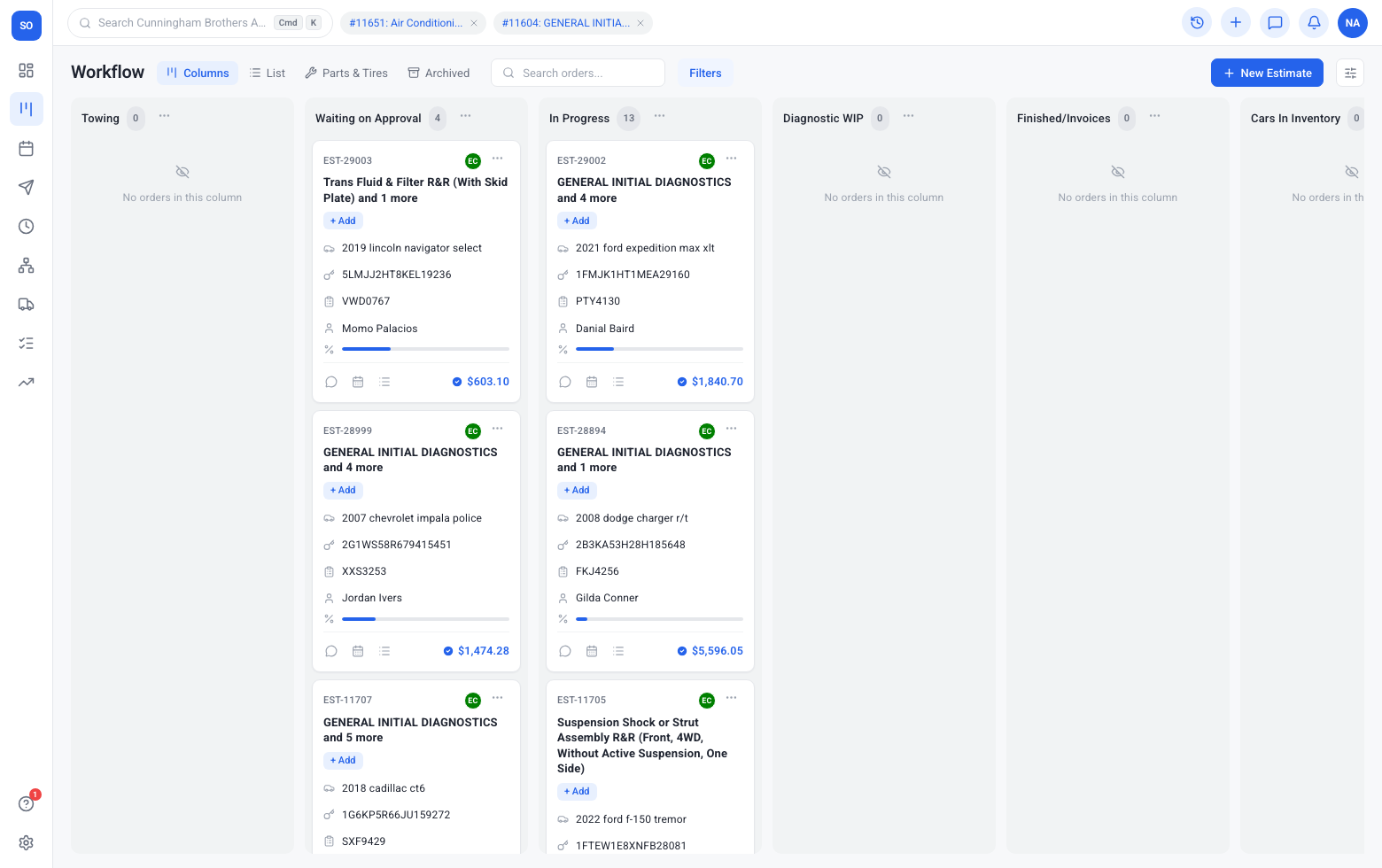
Cleaner handoff
Accountants get structured data.
- Stays on the same order your writers already open
- Techs and the counter see updates without another login
- QuickBooks Desktop data feeds reports and follow-up automatically
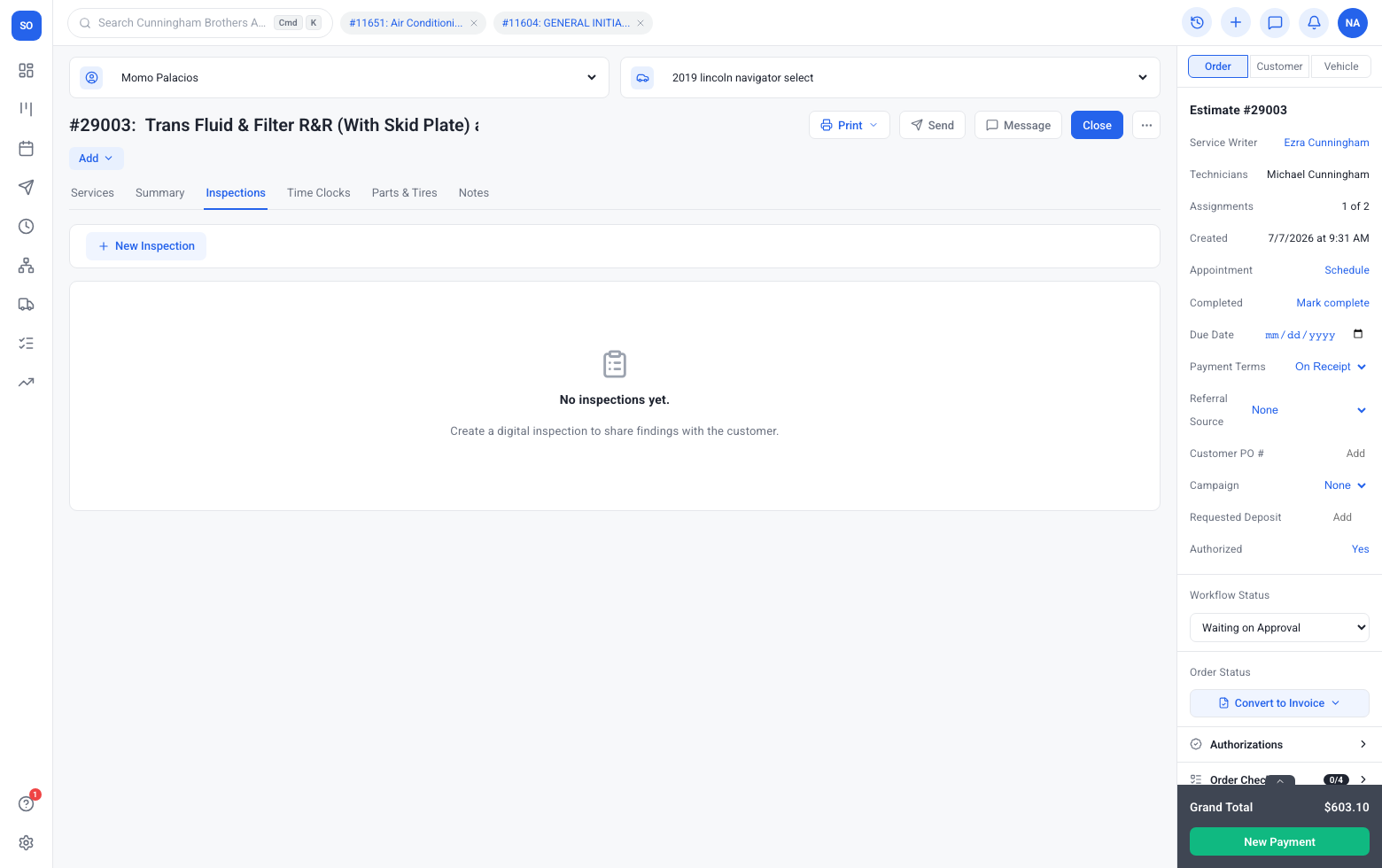
Pairs with bookkeeping
Optional managed books when you want them.
- Stays on the same order your writers already open
- Techs and the counter see updates without another login
- QuickBooks Desktop data feeds reports and follow-up automatically
Frequently asked questions
Do we need QuickBooks Desktop on day one?
No. Start with core workflow and enable partners from Settings when credentials and your package allow.
Where is it configured?
Signed-in shops use Settings → Integrations. Book a demo if you want a guided setup.
Want to explore more?
Workflow
A live board that matches how your shop actually works — from drop-off to paid invoice — so writers, techs, and the counter share one honest picture of the day.
Learn moreEstimates
Build fast with canned services, send by text or email, and collect line-by-line authorizations that turn into real work — not phone-tag maybes.
Learn moreInvoices
Professional invoices, deposits, store credit, overpayments, and fleet settlement — all tied to the same job that started as an estimate.
Learn moreSee quickbooks desktop in your shop
Book a demo or check packaging — no maze of plugins required.